
How To Listen
We're so glad you're interested in tuning into Cirencester Radio! It's super easy to listen to us, and we've got a few options to make sure you don't miss a moment of your favourite shows music, and local news.
Online Streaming
The most straightforward way to listen to us is directly through our website!
- Visit our homepage: Just head over to CirencesterRadio.co.uk
- Look for the "Listen Live" button: You'll usually find this prominently displayed on our homepage, often near the top or in the main navigation menu.
- Click and enjoy: Clicking this button will open our live stream player, and you'll be listening to us in no time!
Smart Speakers
Listening with your smart speaker is a brezze!
For Amazon Alexa: Just say, "Alexa, play Cirencester Radio."
Note: We've recently updated our Alexa skill. To ensure uninterrupted listening, you may need to disable and re-enable the skill on your smart speaker. Here's how:
- Say, "Alexa, disable Cirencester Radio."
- Once disabled, say, "Alexa, enable Cirencester Radio."
This will ensure you're using the latest version of our skill and can continue enjoying Cirencester Radio!
We can't wait for you to join us! If you have any trouble at all, don't hesitate to reach out through our contact page on the website.

-
 Kids In America Kim Wilde 9:00
 -
 Riding On A Train The Pasadenas 7:55
 -
 I Wanna Dance With Somebody Whitney Houston 7:50
Weather
-
 Sat
SatSunny intervals
11°C
-
 Sun
SunHeavy rain shower
10°C
-
 Mon
MonMedium-level cloud
10°C
-
Tue
Sunny intervals
14°C
-
 Wed
WedSunny
17°C
Listen Live
-
Cirencester Radio
Cirencester Radio is the local community station for Cirencester, Gloucestershire.
Playing Sight For Sore Eyes by M People
Latest News
-
 Christmas message from Station Manager
As we come to the close of another year, I would like to take this opportunity, on behalf of everyone here at the station, to wish our listeners, volunteers, presenters, supporters, sponsors, and community partners a very Merry Christmas and a Happy New Year.
-
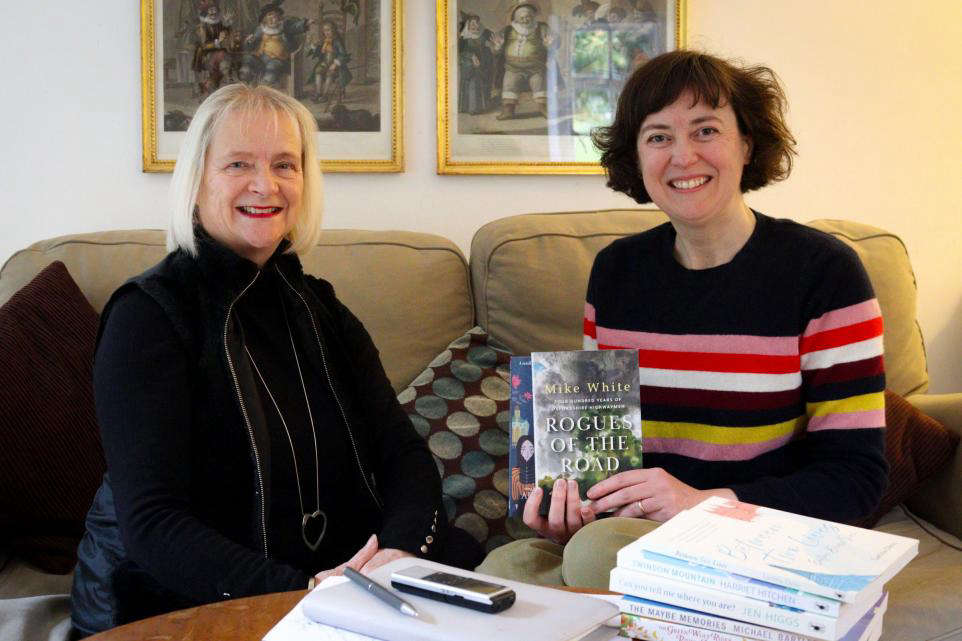 Book publisher sponsors Cirencester Radio arts programme
A BOOK publisher has become the sponsor of a community radio station in Cirencester. Crumps Barn Studio is sponsoring the Cirencester Radio programme Penny's Picks.
-
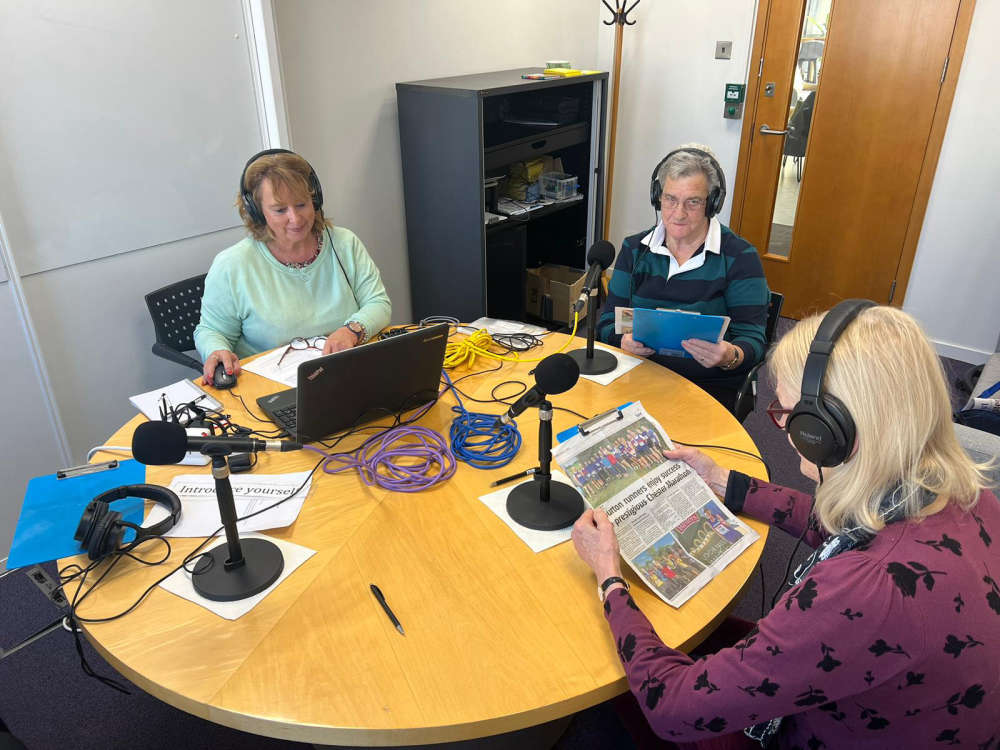 Corinium Talking News and Cirencester Radio Partner to Bring Local News to More Listeners
Corinium Talking News (CTN) and Cirencester Radio are proud to announce a new partnership that will help promote the important work CTN does for the community.